
Originally published on the date shown. Product details, people and offers reflect that publication; contact UBX for current service scope.

1. Using Window PowerShell
Prerequisites
Client OS version windows 8 and above with powershell installed. The region of UBX Veeam gateways you want to test with. For this example I am testing with the India region.
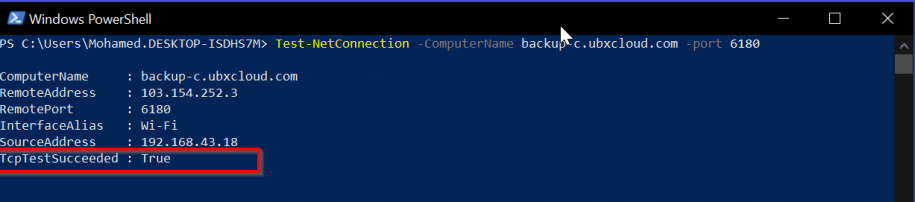
Test-NetConnection -ComputerName backup-c.ubxcloud.com -port 6180
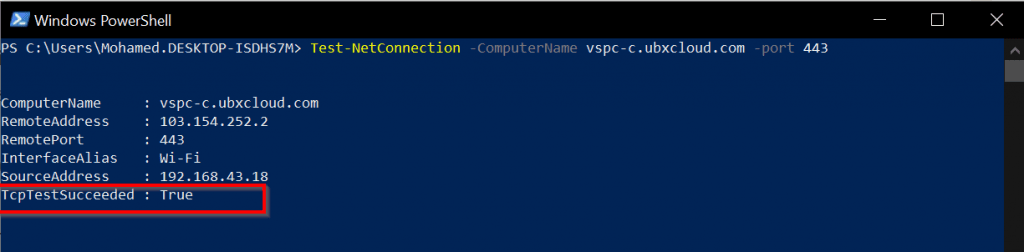
Test-NetConnection -ComputerName vspc-c.ubxcloud.com -port 443
2. Using Cryping Tool
Prerequisites
The original CryPing download has been retired. Contact UBX support for current connectivity testing guidance.
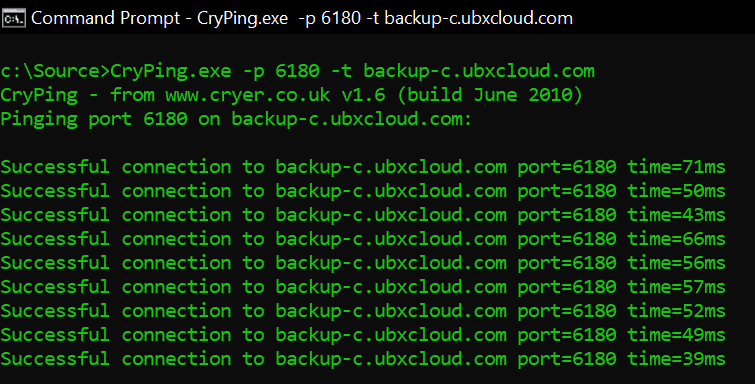
CryPing.exe -p 6180 -t backup-c.ubxcloud.com